RAID recovery
Failed, degraded, foreign, or missing arrays across RAID 5, 6, 10, 50, and 60.
Get technician triage →RAID, server, NAS, and virtualization expertise
Technician-led diagnosis of failed storage systems, performed remotely when appropriate. No rebuilds or writes to source media without an approved recovery plan.
Tell us what failed, what has already been tried, and whether the system must remain onsite.
Choose the affected system
Failed, degraded, foreign, or missing arrays across RAID 5, 6, 10, 50, and 60.
Get technician triage →Business-critical HPE, Dell, Windows, Linux, database, and application failures.
Get technician triage →QNAP, Synology, TrueNAS, and other multi-disk storage systems.
Get technician triage →VMware datastores, Hyper-V, missing virtual disks, and backing storage.
Get technician triage →Recognize the failure?
If any of these describes your system, stop further changes. ADR’s first task is to establish the present storage state and preserve the recovery options that remain.
Start emergency triage →A case-specific response
A failed array, unstable member, and mechanically damaged drive do not require the same response. ADR identifies what happened, what has already been attempted, and which source media remain trustworthy before recommending the path.

Path 01
The server does not need to boot and the array does not need to be brought online. ADR can work from independently connected members in a controlled recovery environment.
Appropriate when: the system is inaccessible, degraded, foreign, or missing but its members can be safely examined.
Path 02
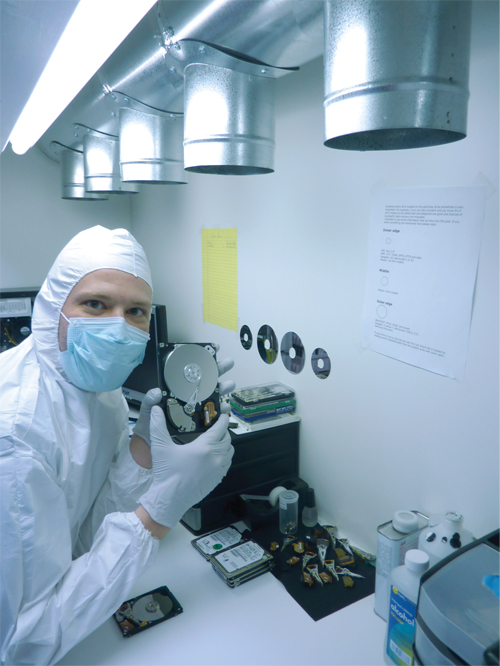
For unstable members, read errors, interrupted rebuilds, or conditions where continued controller access may reduce the remaining recovery window.
Appropriate when: the sources should be preserved into resumable images before array reconstruction begins.
Path 03
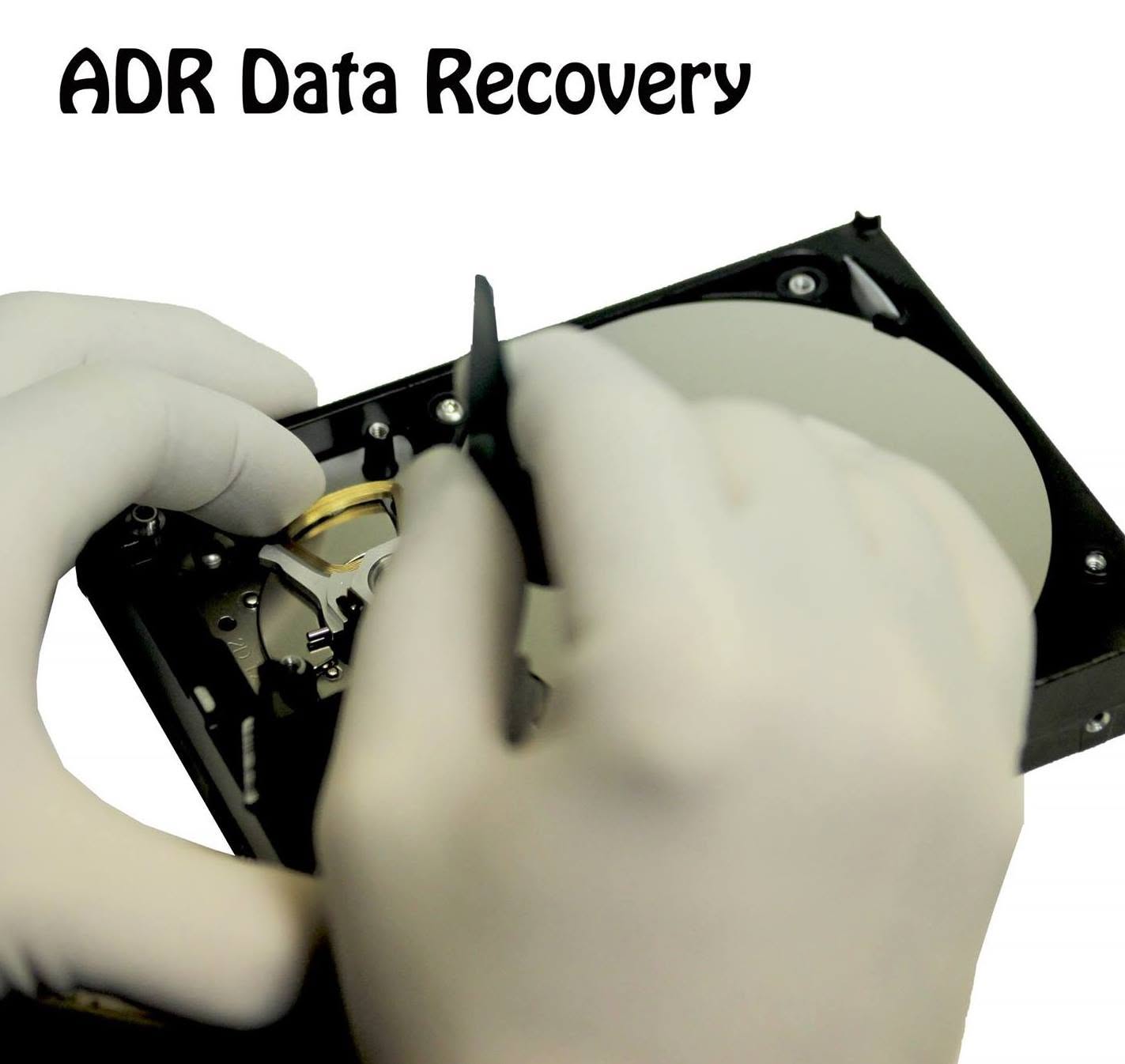
For members that cannot be safely imaged because of confirmed or suspected internal mechanical failure.
Appropriate when: physical stabilization is required before a trustworthy image can be produced.
A controlled recovery path
Review symptoms and prior actions, then photograph, label, and preserve every member.
Start emergency triage →Connect members independently outside the failed controller under an approved plan.
See the ADR recovery method →Prevent writes, image when required, and validate the array geometry before recovery.
Review the recovery sequence →Recover priority data to separate storage while replacement infrastructure is prepared.
Review RAID recovery →Emergency intake
Start with the system, symptoms, what has already been tried, callback information, and any remote-access or custody requirements. Do not upload customer files.
Stop rebuilds, initialization, consistency checks, and other write operations. Tell an ADR technician what happened and how to reach you.